









Skip to content
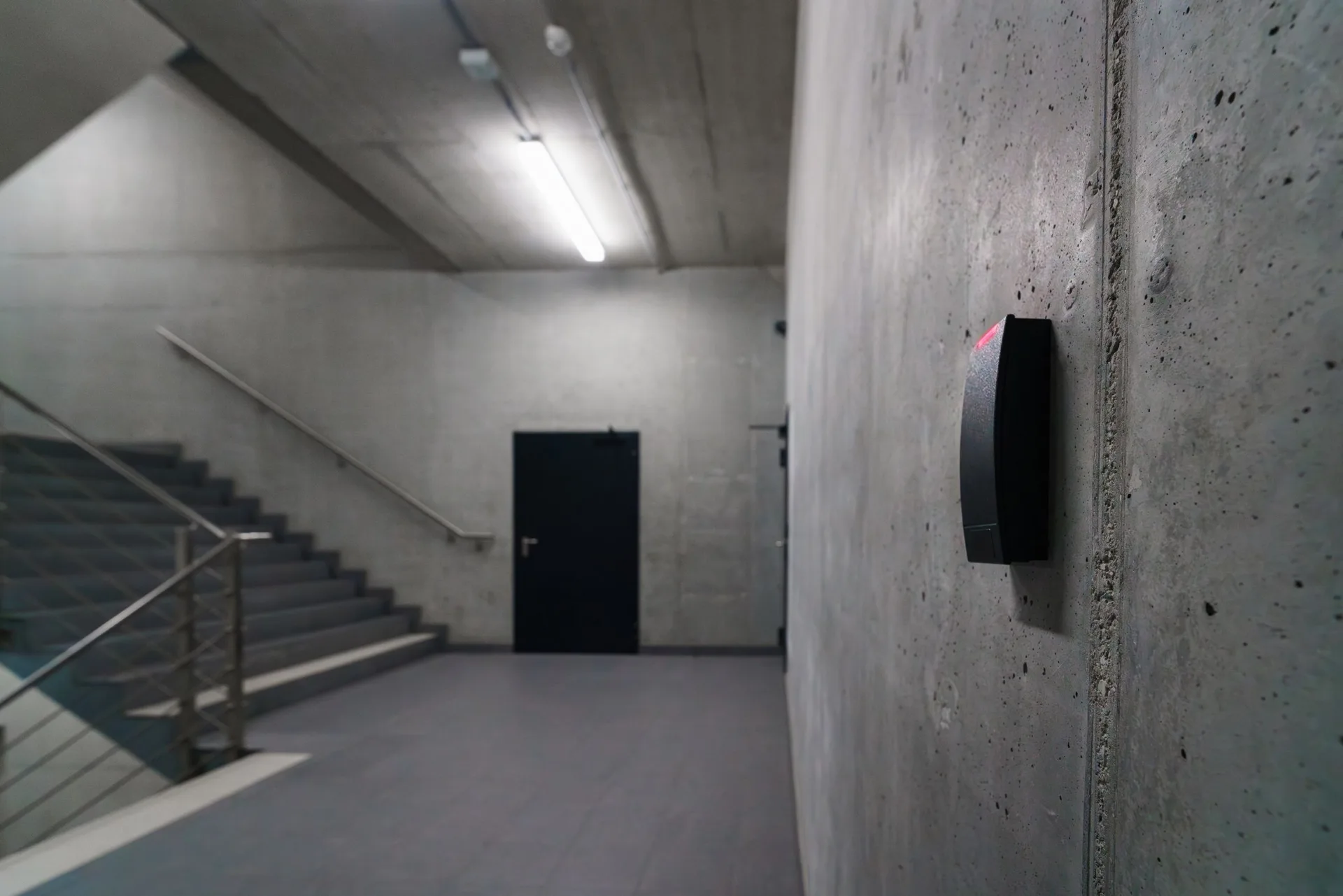
A black proximity reader on a concrete wall, with a corridor leading to a secured door behind it

Commercial access control installation

We install and maintain access control and door entry systems for businesses across Northern England. Give staff access to the areas they need, and reception a way to admit visitors without handing out keys.

Trusted on sites like these

  • Sellafield Ltd
  • Fulham FC
  • Goodyear
  • Morrisons
  • AFC Wimbledon
  • Reading FC

Access control systems for your doors

Start with who needs to use each door. We’ll help you choose the readers, locks and controls, including how people leave safely and who manages access day to day.

  • Card and fob entry

    Give each person their own card or fob. A managed system lets you change which doors they can open and cancel a lost credential without replacing the lock.

  • Door entry and video intercoms

    Visitors can call reception or the right tenant to ask for entry. A video intercom lets the person answering see and speak to the caller before opening the door.

  • Keypad and PIN access

    A keypad can suit a door where carrying a card is impractical. For rooms that need an extra check, a compatible reader can ask for a PIN as well as a card.

  • Mobile and cloud access control

    Compatible systems let staff use a phone as their credential and administrators manage users remotely. We’ll explain the connection, software and licence costs when comparing options.

  • Biometric access control

    Fingerprint and facial readers are options where there’s a justified need to identify the person entering. Consider less intrusive alternatives and privacy responsibilities before choosing them.

  • Standalone and wireless options

    A standalone system can control one door without central management. Wireless locks can reduce cabling; we’ll explain how users are managed and what battery upkeep the chosen equipment needs.

Staff access, restricted rooms and visitor entry

Staff access and changing permissions

Staff may need the warehouse without needing every office or store room. Door access control lets you set permissions for the areas each person uses. Think about cleaners and contractors too, and who in your team will update access when people join, move roles or leave.

  • Joining and leavingWe’ll show your administrators how to add users, change permissions and cancel a lost card or fob.
  • Access by door and timeGive cleaners access during their working hours or restrict a stockroom to the people responsible for it.
  • More than one siteA compatible networked or cloud system can bring user management together. We’ll check how it works across your sites.

Restricted rooms and sensitive areas

A server room, stockroom or cash office may need tighter permissions than the main entrance. We’ll discuss who needs access and whether a second check is useful. The aim is to protect the room while letting authorised staff get on with their work.

  • Additional checksA card and PIN can add a second check at a sensitive door. The choice should reflect the room’s use and risks.
  • Temporary permissionsLimit a visiting contractor’s access to the doors and times needed for the job, then remove it when the work is finished.
  • Useful event recordsAccess records can help you investigate a door event. A fob being used does not, by itself, prove who went through.

Visitors and shared entrances

Reception needs a way to welcome visitors while keeping control of the entrance. Door entry systems let callers speak to someone who can admit them. In a shared building, we also plan how tenants use the common doors without opening access to one another’s private areas.

  • See and speak to callersA video intercom gives the person answering a view of the visitor before they decide to release the door.
  • When reception is unattendedTell us who can answer at other times. We can discuss remote calling where the system and connection support it.
  • Separate tenant accessGive each tenant permission for the shared doors they need, with separate access to their own offices or rooms.

Secure doors that still allow safe escape

Centurion’s NSI NACOSS Gold approval covers access control design, installation and maintenance. We look at how people leave as well as how they enter, including the door hardware and any connection to your fire alarm.

  • How people leave without a card, fob or entry code
  • Emergency release and any required fire alarm connection
  • How the doors behave if power or the connection is lost
  • Who can manage permissions and review access records

Access records and personal data

Entry records linked to named people are personal data. Decide why you need them, who can see them and how long to keep them. Biometric entry needs a separate privacy assessment.

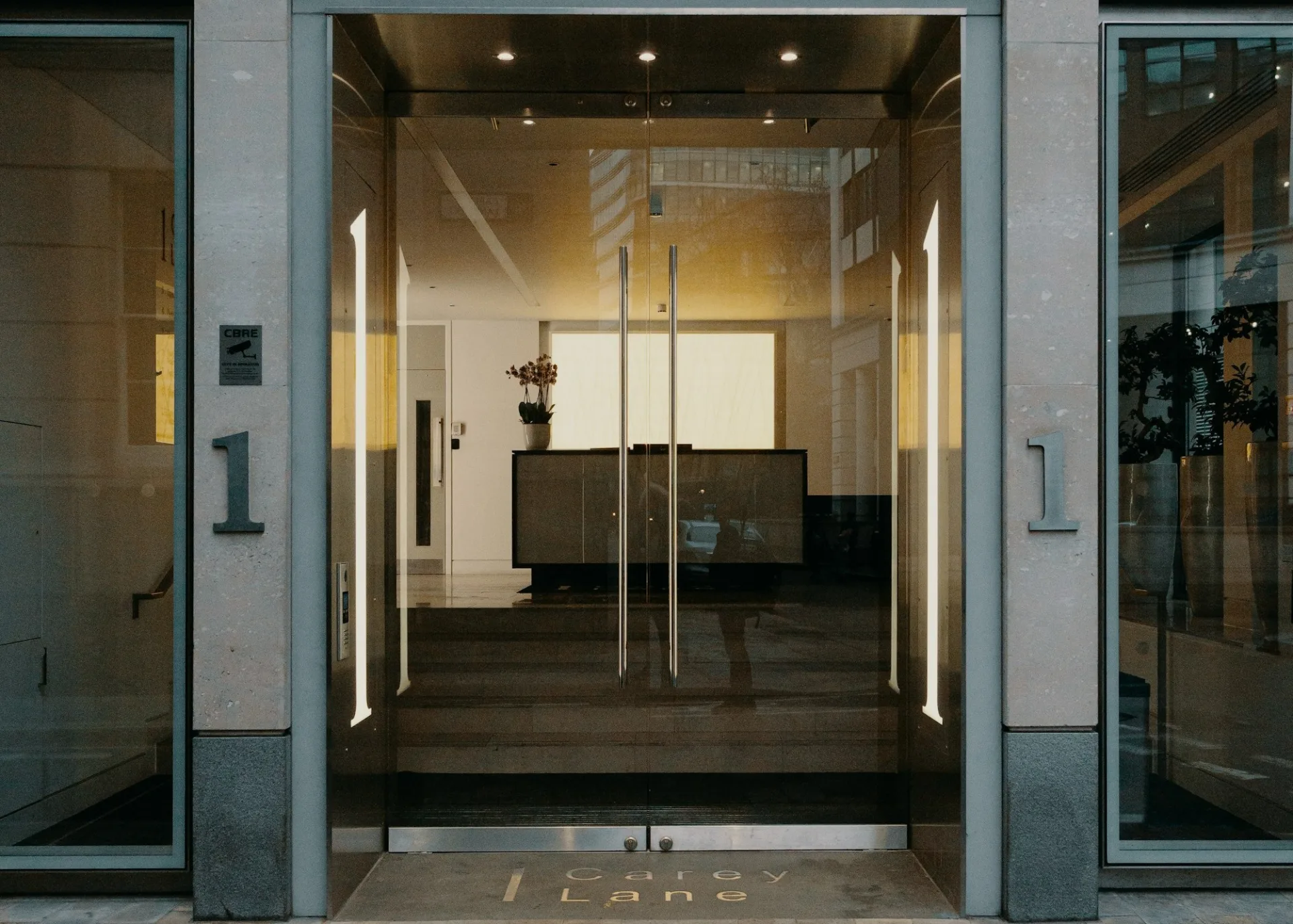
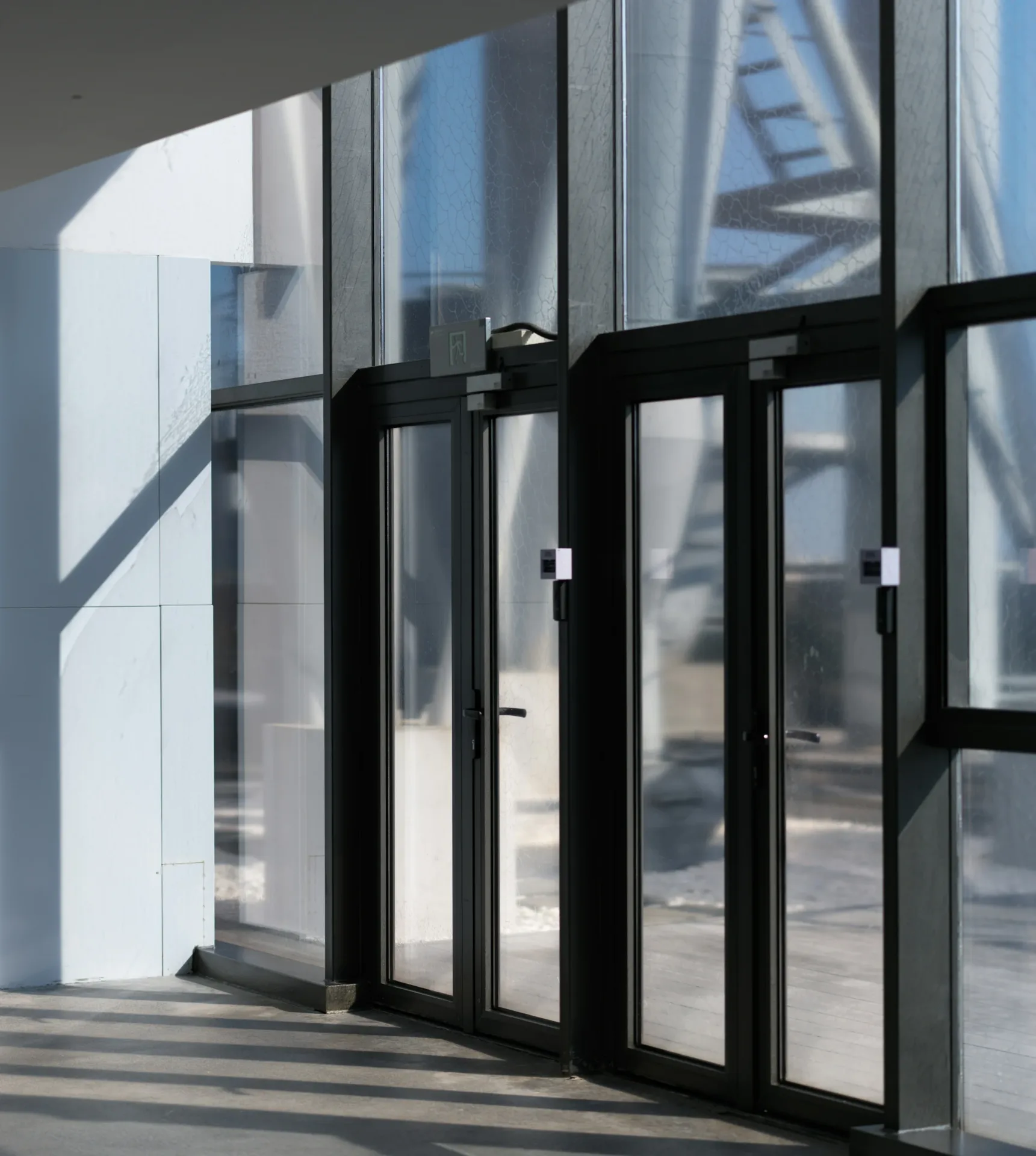
A row of glass entrance doors in raking sunlight, each with a slim access control reader on its frame.
  • ISO 9001:2015
  • Cyber Essentials

Planning and installing your access control

Our own engineers survey, fit and support the system. Show us the doors you want to control and tell us who will use them. If you already have access control, we’ll check what can be retained.

  1. Before you decide

    Survey and quotation

    We review the doors, existing equipment and access needs, then set out the proposed work and equipment in your quotation.

    You get: A door-by-door specification and quotation

  2. During the planned works

    Installation and testing

    We fit the equipment, set up permissions and test entry, exit and any fire alarm or emergency-release connections.

    You get: A configured and tested system

  3. At handover

    Handover to your team

    We show your nominated staff how to issue credentials, change access and use the software, with records for the system.

    You get: Administrator training and system documentation

  4. Ongoing, on an agreed schedule

    Access control maintenance

    We service readers, controllers and locks, and check door release. You receive a record of faults and work needed. If you’re changing provider, we’ll review the existing system before confirming cover.

    You get: Service records and recommended repairs

Access control we’ve fitted

Questions about access control and door entry

What is the difference between access control and door entry?

Access control checks a card, fob, PIN or other credential against the permissions for a door. Door entry lets a visitor call someone who can decide whether to admit them. A shared office entrance often needs both: credentials for regular users and an intercom for visitors.

How much does access control installation cost?

The number of doors is a starting point. Their condition, locking hardware and cable routes affect the work too. A single standalone door differs from a system with central user management, visitor intercoms or links to other equipment. We survey the premises before quoting and explain any ongoing software or licence costs.

Can you maintain or upgrade a system installed by another company?

Yes, after we’ve checked it. Send us the system make, the number of doors and any service reports or recurring faults. We’ll review its condition, software access and available support, then explain what can be kept, what needs attention and what maintenance we can offer.

Can I manage several sites or cancel a fob remotely?

Yes, on a compatible networked or cloud-managed system. Authorised staff can update users and permissions without visiting each door. We’ll check how changes reach the controllers and explain what happens if a connection is lost. A standalone door won’t necessarily offer remote management.

What happens to controlled doors during a fire alarm or power failure?

The release arrangements vary with the door, locking hardware and escape plan. Access control must not prevent safe escape. We check the emergency release and any required fire alarm connection as part of the design, then test their operation at handover.

Can access control work with CCTV and intruder alarms?

Yes, where the equipment supports the link. An access event can be associated with camera footage, for example, or an authorised user can operate a specified intruder alarm function. Tell us what you want the systems to do together so we can check compatibility before recommending changes.

How often should access control be serviced?

The schedule depends on the equipment, how heavily the doors are used and any fire-safety connections. We’ll discuss the checks and visit pattern for your system. Let us know about faults between visits, including a door that won’t release or a reader that works intermittently, so we can discuss the help needed.

What should we consider before using biometric entry?

Start with why a card or PIN would not meet your needs. ICO guidance requires a data protection impact assessment before using biometrics to uniquely identify workers, with a lawful basis and special category condition for processing. Consider a non-biometric alternative and what happens if someone cannot be recognised. Involve the person responsible for data protection before choosing readers.